Portfolio Development

Flying Butterfly Element

Flying Butterfly Flying Butterfly

It was very important to me to add a flying butterfly in my portfolio because it reminds me of my late grandpa. My main goal for this whole website was to make it fly around so it actually brings out a feeling, rather than just another pretty design.

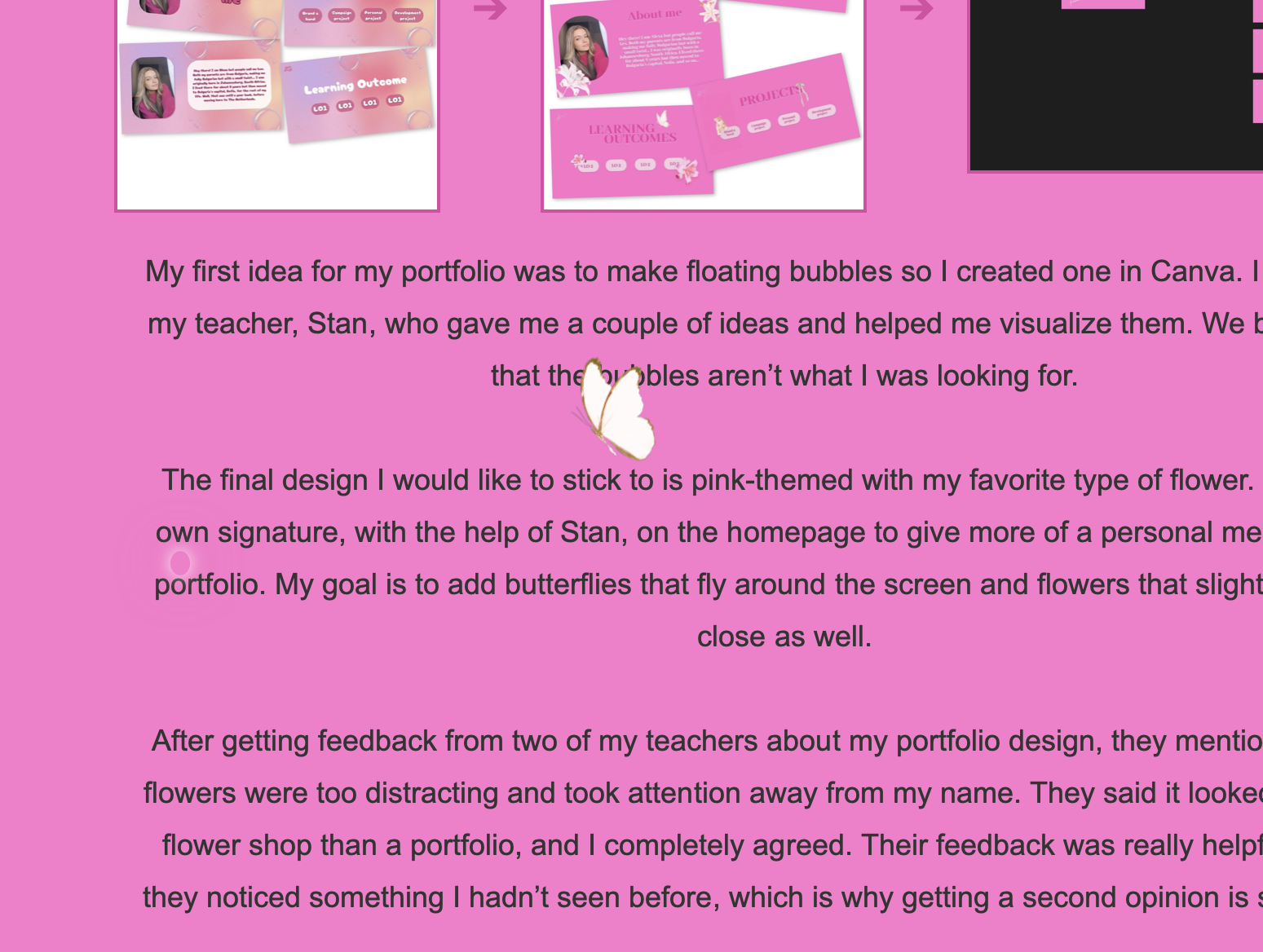
I searched on Pinterest for some butterflies, picked out an image of a real butterfly, but I didn’t like how it looked, I didn’t think it was suitable for my theme.

I then looked into the animated ones, but I still didn’t like how they looked. They gave me too much of a childish design, which I am not going for.

That is why I got a real, bright pink butterfly image and edited it in Figma to the point where I liked how it looked, making it not too realistic, exactly what I had in mind in the first place.

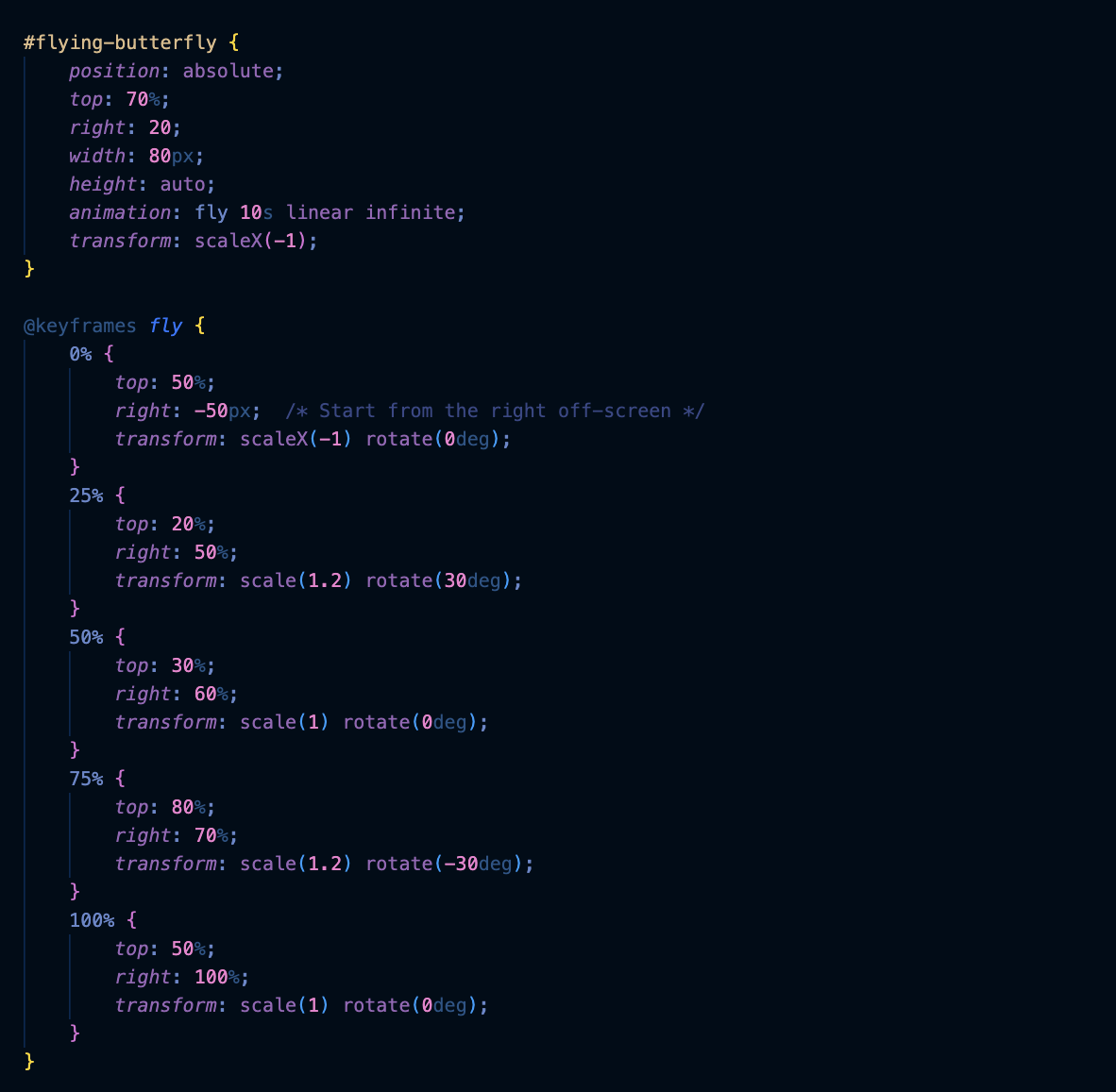
For the development part, I watched a lot of tutorials on YouTube to see how they made it move around the screen. They cleared up the confusion i had how to make it but still didnt help me completely, that is why i sued ChatGPT to explain it to me so i could add it. After multiple failed attempts, I finally got it to work.

My idea was for the butterfly to appear from the right side of the screen and slowly go down so that the user could get the hint to scroll down the screen with the insect, and after the end is reached, it goes back up, disappearing.
I am super proud of the end result, i thought i wouldn't be able to make it in the beggining becuase it seemed hard, but managed after multiple tries. And it is definitely my favorite part of the whole website.

Blob Floating Background

Blob Background Blob Background Blob Background

I decided to add the blob in the background because I wanted to showcase as much of my knowledge as possible in my portfolio.
I also wanted to include something fresh and different from the elements I had previously used, while keeping the design simple and free from distractions for the user.

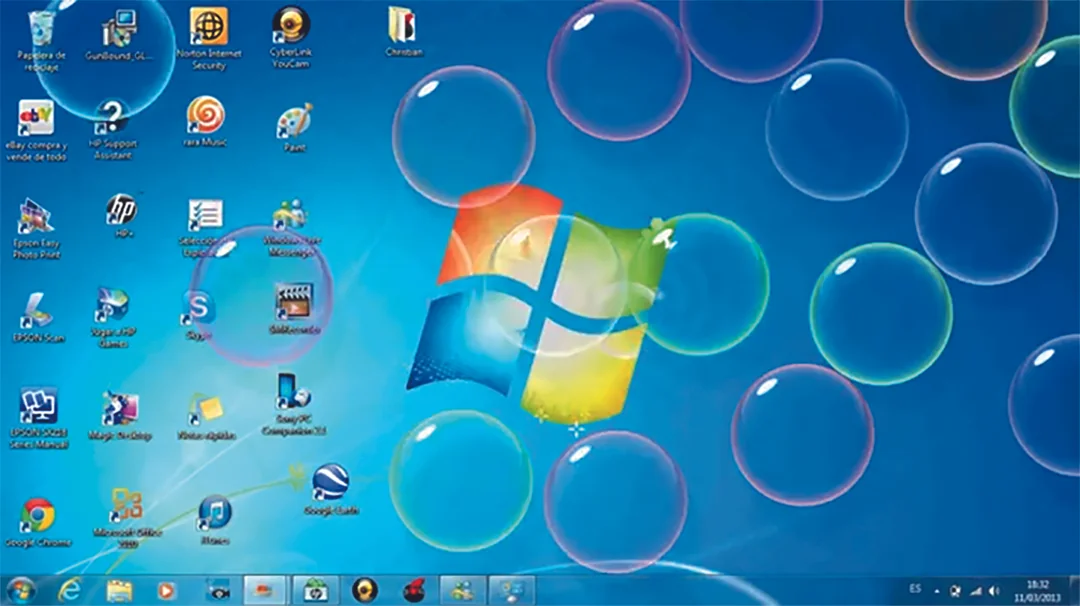
The idea for the blob actually came from one of the first prototype designs I made in Figma for my portfolio. It had bubbles, which I thought were really cute. I considered adding them, if not on the landing page, then elsewhere in the other pages.

The inspiration for the bubbles came from the classic floating bubbles screensaver on old Windows computers. But then i stummbled on the blob I created during one of my teacher’s lessons. While experimenting with different colors and shapes, I landed on a brighter pink and a common blob form, which I felt worked best.


Putting All The Elements

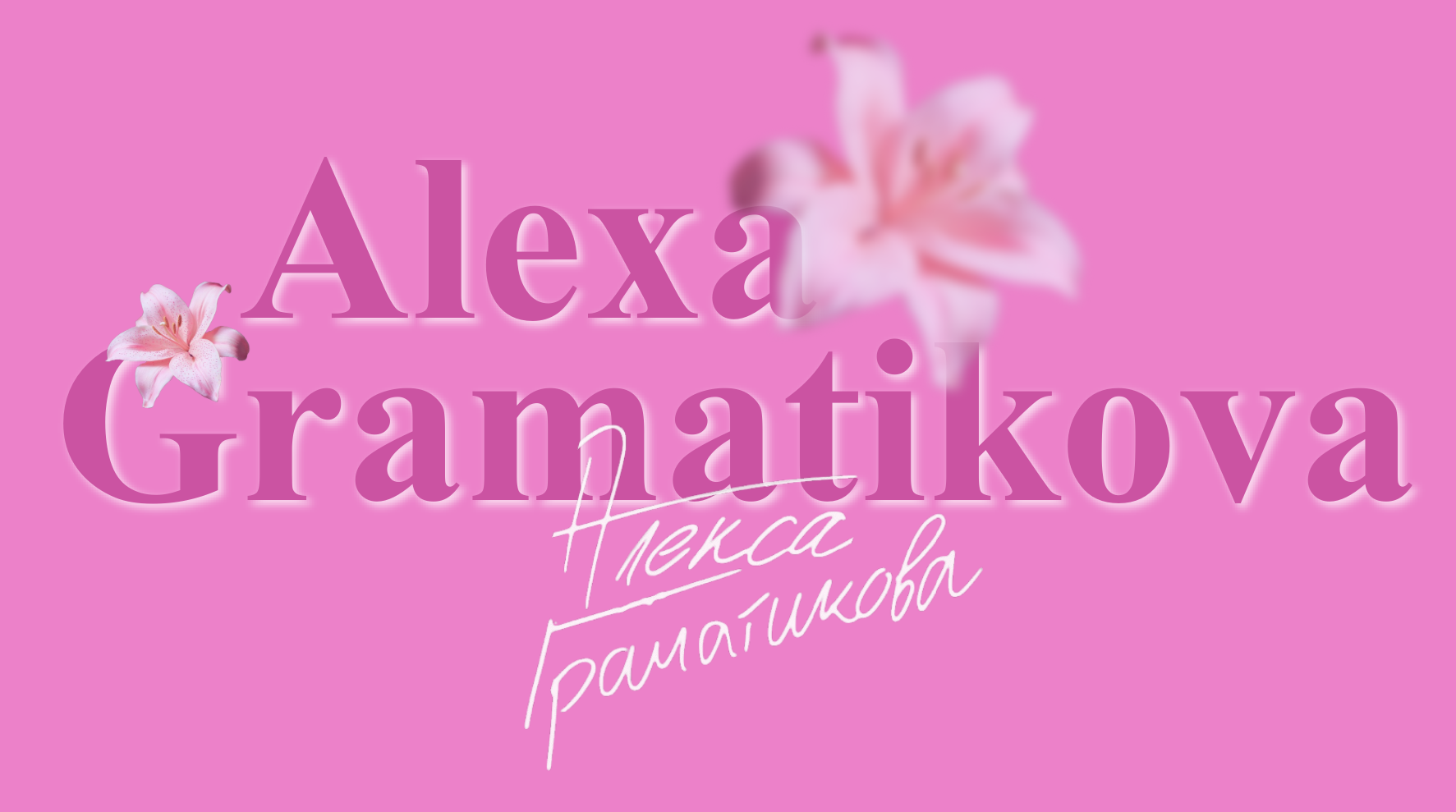
Flower Elements Flower Elements

It was my first time adding individual elements to my website, so I thought it would be more difficult than it actually is. You need a bit of patience in order to get them exactly where you want, but other than that, it is pretty enjoyable and entertaining.

I tried at first to figure it out completely on my own, but it didnt really work the way i wanted.
I had some questions on how to rotate or make it go down slower, so i turned to ChatGPT. He helped me get to the exact image i had in my head for the final result.

The flowers taught me how to rotate, blur, and move them to the sides however I wanted.
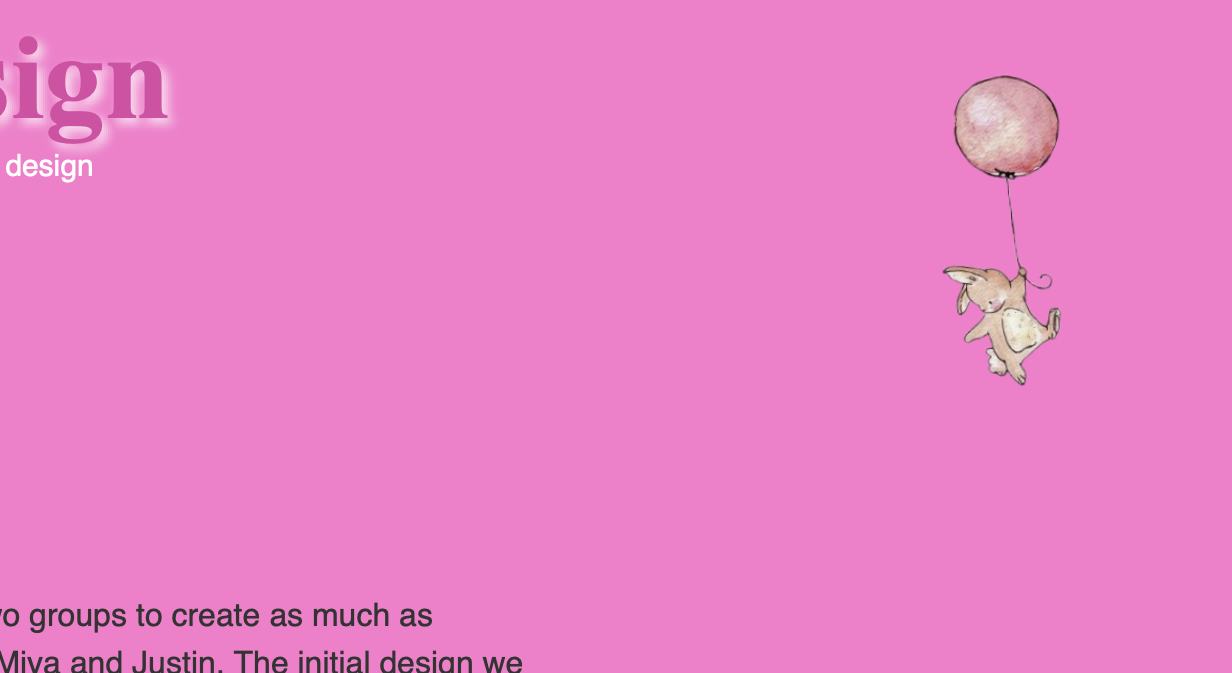
The falling balloon bunny was possibly the easiest to create out of all of them because I already had some experience from the flying butterfly, so i just needed to understand how to make it float down.


Maikel's Challenges

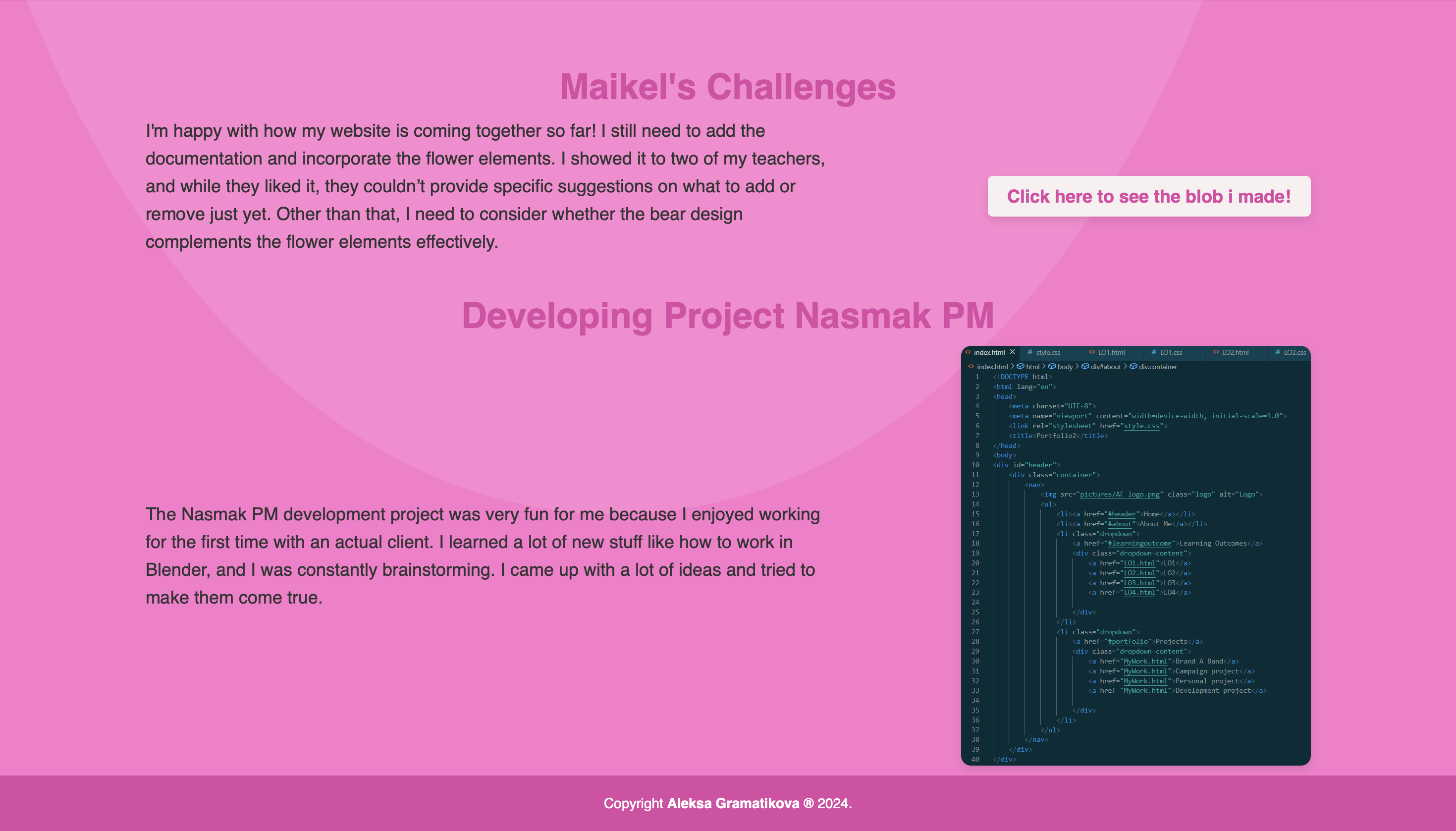
I have done a couple of challenges in Maikel’s lessons, such as a counter, a blob, and some CSS animations. Sadly, the only one I have saved is the blob, but actually that is my favorite creation from all of them so far.

We used a blob maker website where you pick out the colors you want it to be, ombre or not, and also the shape. Maikel just showed us how to make the blob form and add it in the code.

I wanted to add more to the creation, making it more intresting and different. I saw a couple of YouTube videos doing blobs to get some insparation and more knowledge.
So i made the blob move sideways revealing "hi i am Alexa".
Why i did that? I wanted to add the blob on my 'About Me' section revealing the information i already added. I did not keep it because i thought it was too much.

Personally, adding it into the code wasn’t so difficult but was definitely confusing, especially for a begginer.

Click here to see the blob i made!

Blender

Blender

In the development project i created a gallery room in Blender. It was my first time using the program so i found it very challenging.

I had some awareness from classes with my teacher Josh and I researched on the internet the basics I need to know before starting. I watched a couple of videos on YouTube but I followed one that had the most similar result I wanted here. It was very confusing and frustrating at first but after getting the hang of it I found it somewhat enjoyable.

My favorite part was definitely designing the inside, picking out which colors would go well and how to place the images of the band members and so on. I chose the colors of the website me and Miya made, because the original idea was to add the gallery room in the website as an 'About The Band' section. I found it very difficult to add it into the code so we had to submit it separately from the website. I asked a few people that knew how to do it to explain how it works. I understood it half way but still need to implement it.